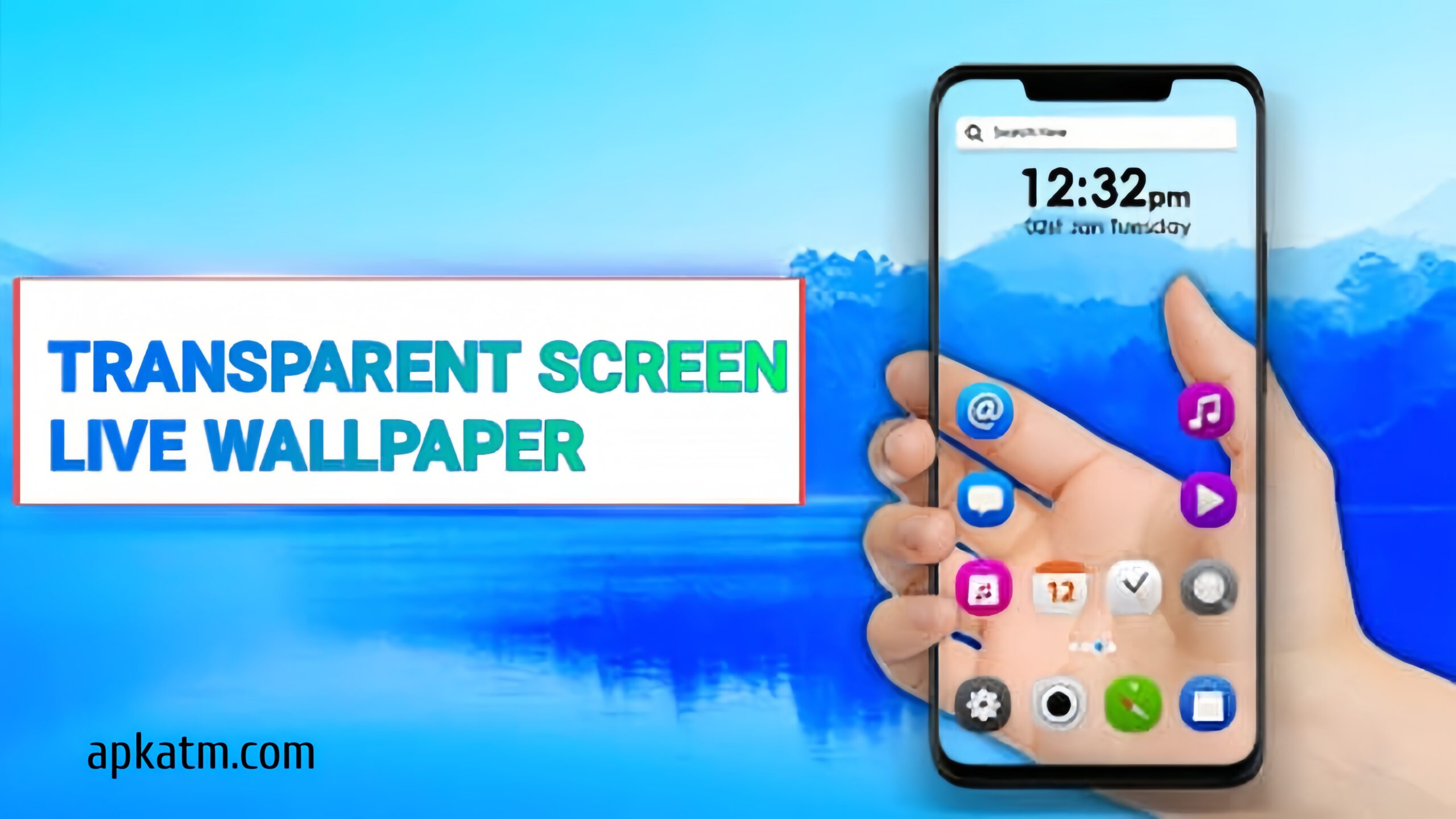
Smartphone customization continues to evolve in 2026, and one of the most trending personalization styles is the transparent phone wallpaper. This unique look makes your screen appear see-through, giving your phone a modern, futuristic feel. While phones aren’t truly transparent, special apps and wallpapers can create an impressive illusion.
In this guide, you’ll learn how to set a transparent phone wallpaper, what tools you need, and tips to get the best visual results.
What Is a Transparent Phone Wallpaper?
A transparent phone wallpaper is a visual illusion that uses your phone’s camera or a custom image to make the screen look see-through. It gives the impression that you can see through your phone to what’s behind it.
This effect is popular for:
- Home screen customization
- Lock screen styling
- Creating a futuristic phone look
Can Phones Be Truly Transparent?
No, smartphones cannot be physically transparent with software alone. However, transparent wallpaper apps use your rear or front camera feed or pre-designed images to simulate transparency.
It’s safe, cosmetic, and does not damage your phone.
Method 1: Set Transparent Wallpaper Using an App (Recommended)
The easiest way to get a transparent wallpaper in 2026 is by using a dedicated Android app.
Steps:
- Open Google Play Store
- Search for Transparent Wallpaper App or Live Transparent Screen
- Install a trusted app with good ratings
- Open the app and grant camera permission
- Select Set as Wallpaper
- Apply it to Home Screen or Lock Screen
Once enabled, your phone screen will appear transparent using the camera view.
Method 2: Use Custom Transparent Images
Some users prefer static transparent-style wallpapers.
Steps:
- Download a transparent-style PNG wallpaper
- Go to Settings → Wallpaper & Style
- Choose the image from Gallery
- Apply it to Home or Lock Screen
This method uses images, not live camera feed, but still gives a semi-transparent effect.
Best Apps for Transparent Wallpaper in 2026
Popular features to look for in transparent wallpaper apps:
- Live camera background
- Low battery consumption
- One-tap enable/disable
- Adjustable brightness
- Ad-free or minimal ads
Always choose apps from verified developers to avoid privacy risks.
Is Transparent Wallpaper Safe to Use?
Yes, transparent wallpaper apps are generally safe when downloaded from the Play Store.
Safety Tips:
- Grant camera access only to trusted apps
- Avoid apps asking for unnecessary permissions
- Disable wallpaper when not needed
- Keep Android updated
Note: Live transparent wallpapers may use slightly more battery due to camera usage.
Benefits of Transparent Phone Wallpaper
✔ Unique and futuristic appearance
✔ High customization appeal
✔ Easy to set up
✔ Works on most Android devices
✔ Great for social media content
Transparent Wallpaper vs Normal Wallpaper
| Feature | Transparent Wallpaper | Normal Wallpaper |
|---|---|---|
| Visual Style | Futuristic | Standard |
| Customization | High | Medium |
| Battery Usage | Slightly Higher | Low |
| Real Transparency | No (Illusion) | Not Applicable |
Tips for Best Transparent Wallpaper Experience
- Use bright environments for clearer camera view
- Lower screen brightness to save battery
- Disable wallpaper while gaming
- Avoid use on low-end devices for smoother performance
Final Thoughts
Setting a transparent phone wallpaper in 2026 is a fun and creative way to customize your Android device. While it’s only an illusion, the effect is impressive and easy to achieve using safe apps or custom images.
If you enjoy futuristic designs and unique phone customization, transparent wallpapers are definitely worth trying.
Download 👇🏻